Connect the tools you use
Bring email, files, conversations, and code into reach of your AI agents through supported connections.
Connections for your AI agents
Laplace connects your AI agents to the apps and accounts you use, giving them the context they need to do their best work. Bring your email, documents, conversations, and code to the assistant you already use.
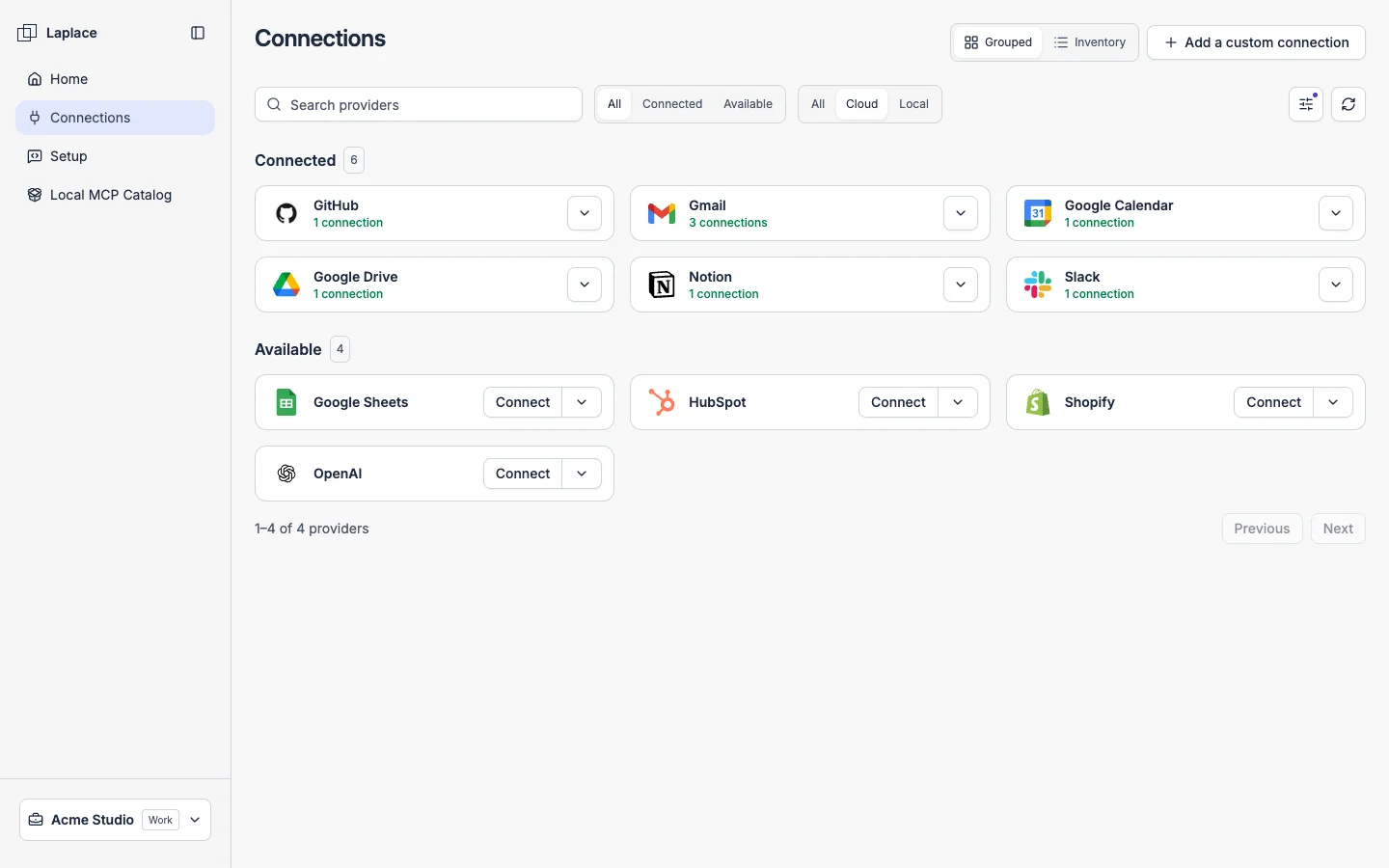
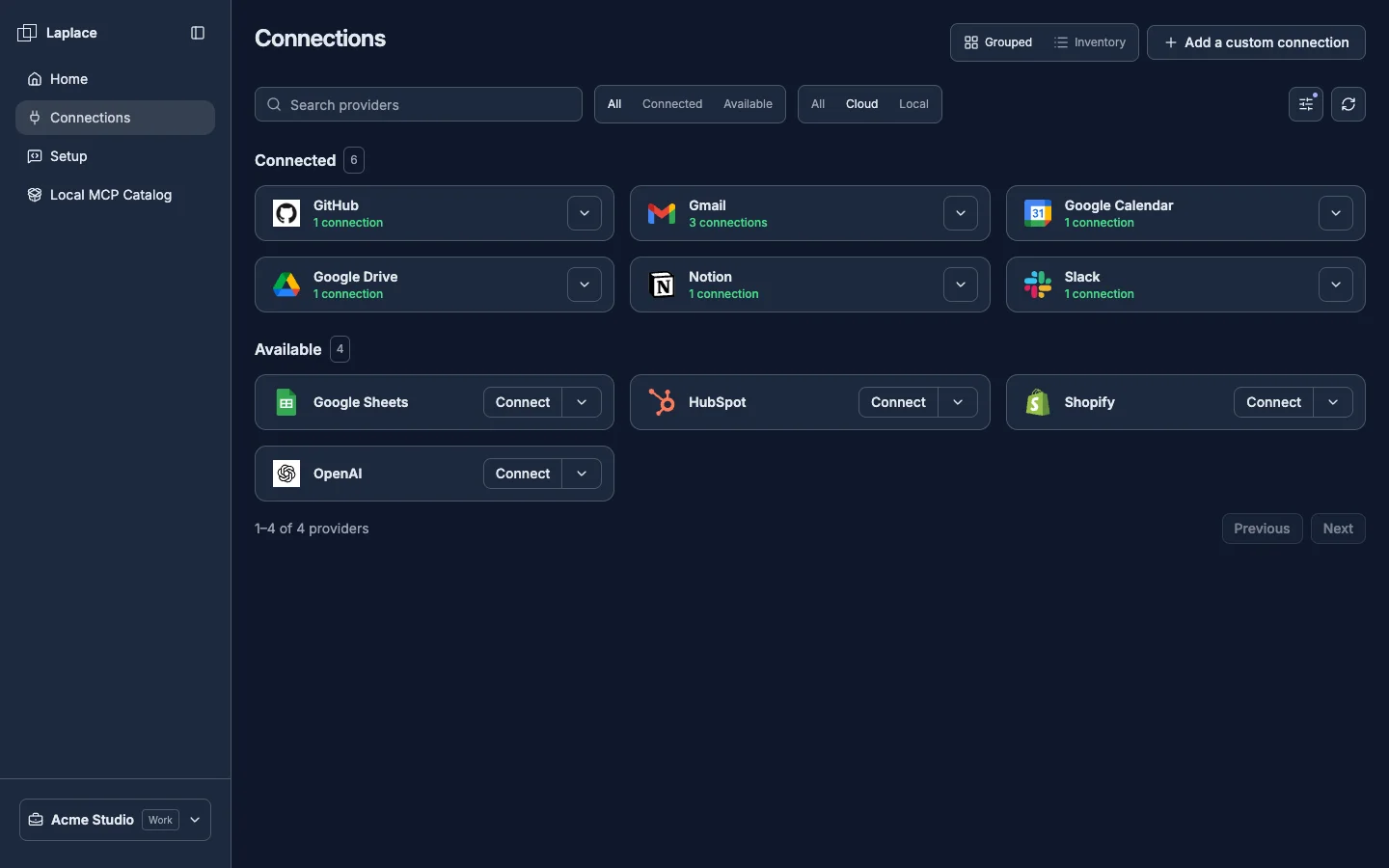
Connect the context
Spend less time copying information into a chat. Give your AI agent a connection to the sources it needs to understand the work.
Bring email, files, conversations, and code into reach of your AI agents through supported connections.
Connect multiple accounts from the same service, including separate Gmail inboxes for your work and personal life.
Give compatible assistants such as Claude, ChatGPT, Codex, and Cursor access through MCP, the Model Context Protocol.
01Your apps & accounts
An email explains the request. A document has the details. A conversation adds the decision. Laplace connects those sources so your agent can find what matters to the task.
02Your agent, connected
Connect Laplace to the assistant you already use. Ask it to search your inboxes, find a document, or follow a request across connected tools, with the accounts and capabilities you authorize.
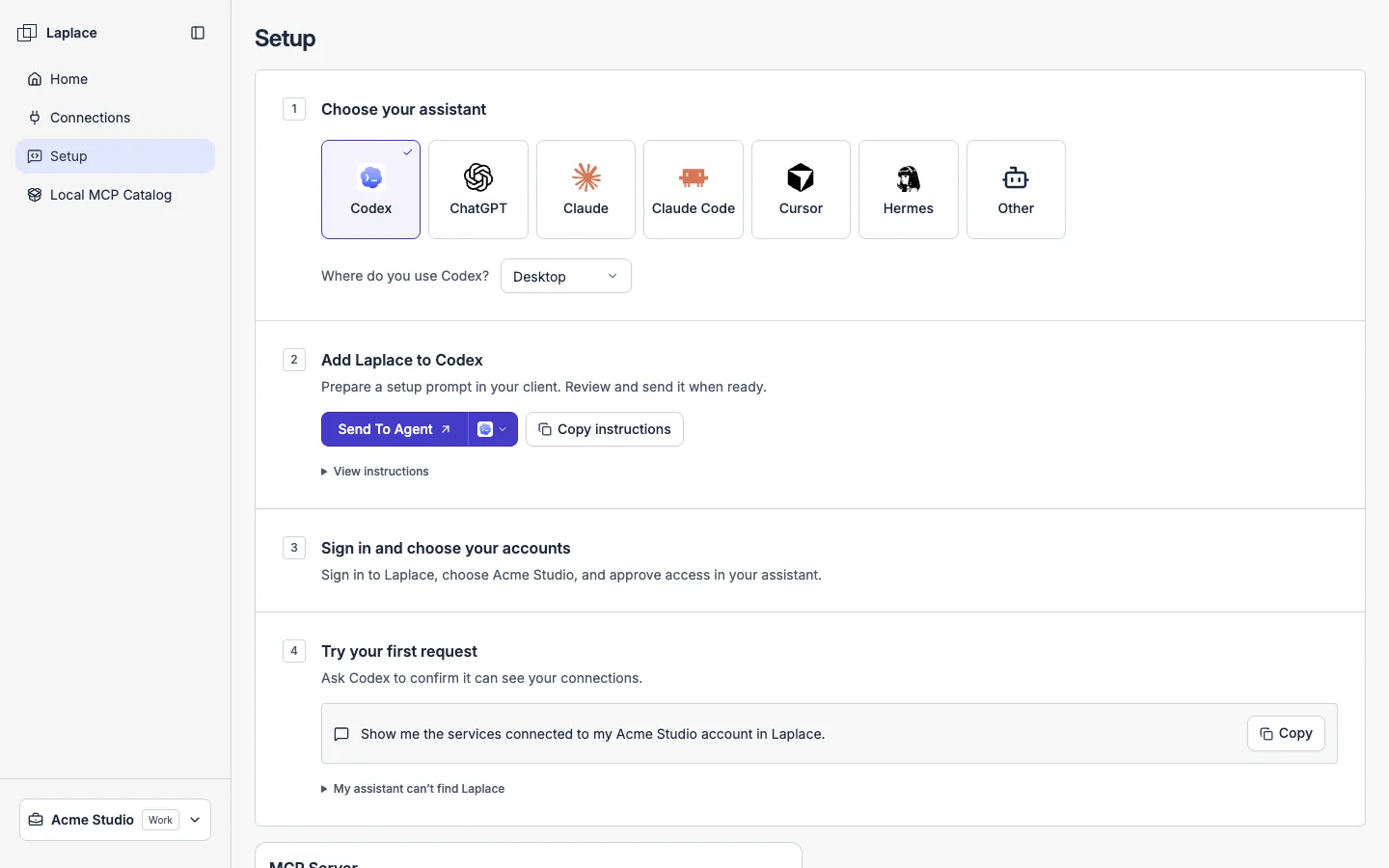
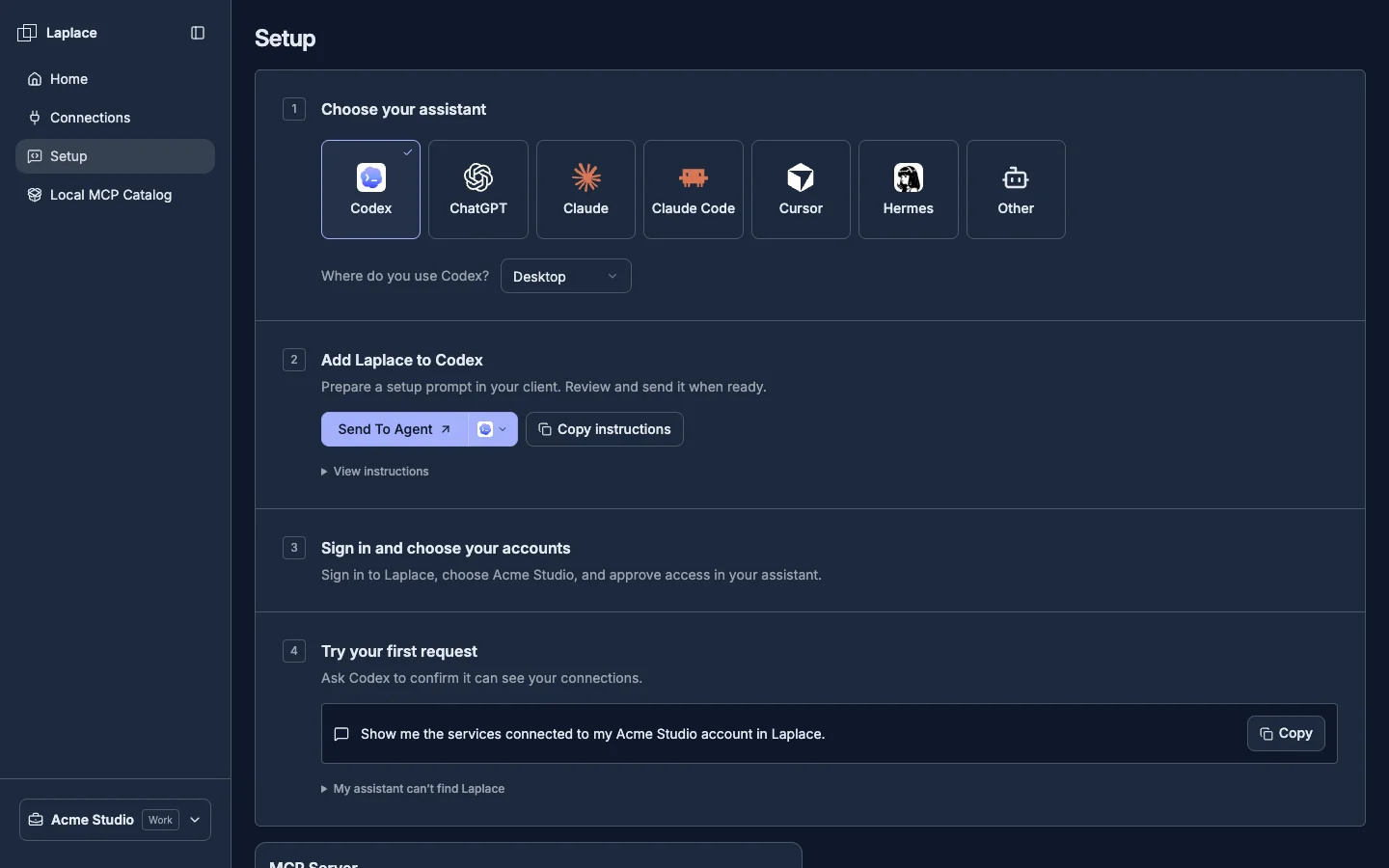
From connections to context
Your work spans more than one app or inbox. Set up your connections in Laplace, then use that context from the AI client that works for you.
Choose your services and authorize the accounts you want your agent to use.
Follow Laplace's setup instructions for your assistant and authorize its MCP connection.
Give your agent a task. Name the accounts to use so it can find the relevant information.
Use the answer to make a decision, draft a response, or move a project forward.
Pricing
Choose the plan that fits how you and your team work with AI.
Give your AI agents context from the tools you use every day.
$0 / month
No paid subscription required.
A fully custom solution built around your security policies and business needs.
Let's talk.
Pricing agreed with your organization.
Provider availability and supported connections depend on configuration and the access you authorize. Your AI client or model provider may charge separately.
Notes from Laplace
Connect your personal, work, and client Gmail accounts through Laplace so Claude can find the context it needs across your inboxes.
Bring your preferred assistant into an app workspace, give it useful context, and stay in control from the first change to publication.
Meet Laplace, a workspace for people, teams, and AI agents to build small apps and put them to work together.
Laplace provides connections for your AI agents, giving them access to the context in your apps and accounts. Connect supported services, authorize your preferred assistant, and let it find the information it needs for your task.
Yes. Add each Gmail account as a separate connection in Laplace, then use those connections from a compatible AI client such as Claude. Tell your assistant which email addresses to use for each task.
Yes. Connect the accounts you use for your own work and bring their context to your preferred AI assistant. The Free plan lets you build up to 3 apps and connect unlimited services, with 5,000 tool calls per month included.
Compatible AI clients connect through the Model Context Protocol (MCP). After you authorize a client, it can discover and use the tools available to it. You manage the connected accounts and access; Laplace does not require you to replace your preferred AI assistant.
You authorize each provider connection and the AI client that uses Laplace. Review the permissions when connecting, choose the accounts relevant to your task, and disconnect an account when you no longer want it available.
Available actions depend on the service, connection, and permissions you authorize. Your agent can discover the supported actions through Laplace. Connecting an account does not mean every feature of that service is available to the agent.
Give your agent a better starting point
Connect the apps and accounts your work depends on. Let your AI agent take it from there.